Supercharge Your
Codex Experience
An elegant, external Rust launcher and Tauri management panel. Modify zero installation files. Inject workspace enhancements, API relays, and custom user scripts safely using native Chromium DevTools Protocol.
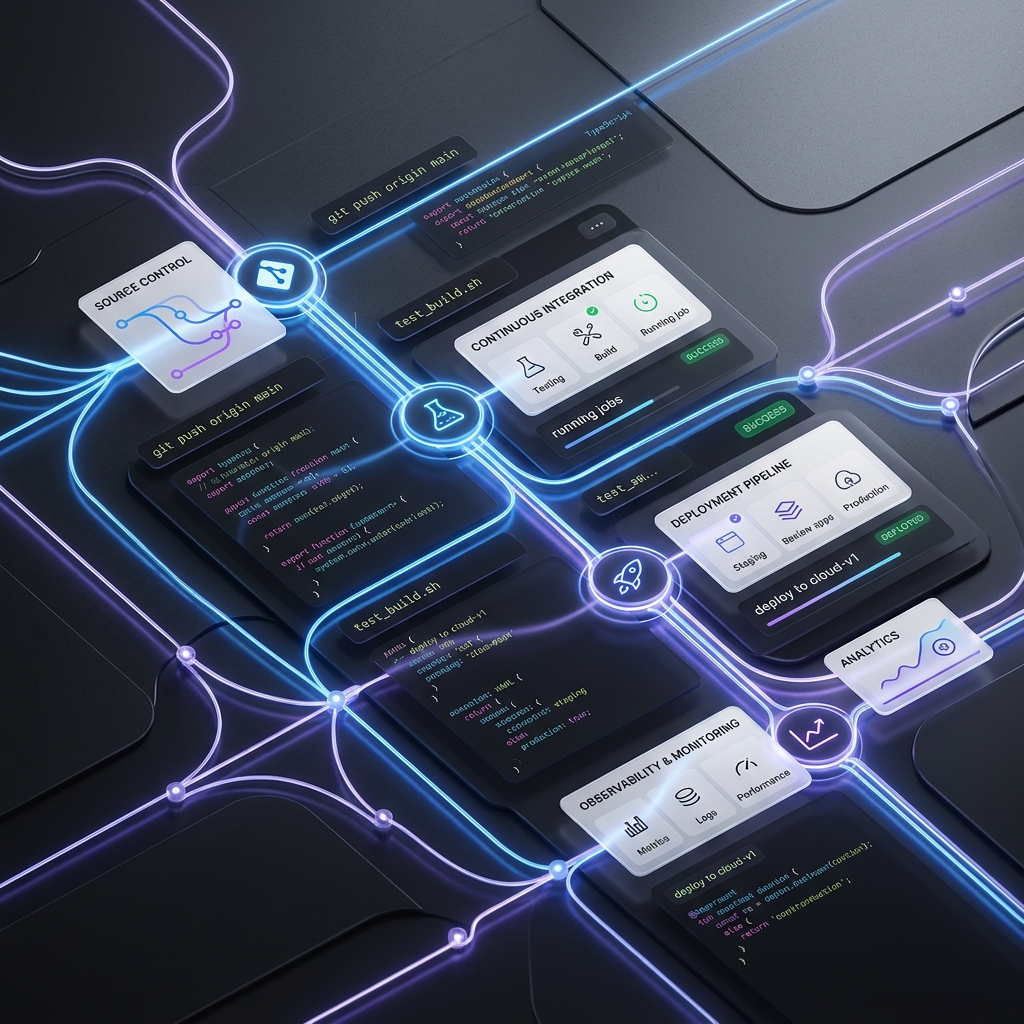
A Modern Extension Workspace
Codex++ introduces custom database synchronization, automatic local state recovery, and script hooks to Codex App without requiring direct code changes.
External Launcher Design
By executing beside the Codex target process via Chromium DevTools Protocol, Codex++ maintains application security boundaries. Your client files remain completely unmodified, clean, and safe for updates.
await target.injectScript('renderer-inject.js');
// Integration successfully hooked
SQLite Backups
Recover from accidental message deletes or chat cuts instantly. Codex++ hooks local SQLite databases directly to provide safety states.
High Performance Rust
Built completely on a lightweight Rust workspace. No Python runtime or Node.js dependencies needed. Spawns instantly with less than 15MB memory profile.
Relay & Endpoint Sync
Keep your conversations active after switching endpoints or custom model providers. Integrates directly with multiple global cloud API channels.
Developer Control & Guardrails
Codex++ is engineered from the ground up to secure local execution logs and isolate scripts inside browser sandboxes.
Encrypted Storage
All local configuration credentials and synced SQLite backups are cryptographically secured inside user path targets.
Isolate Debugging Hooks
Runtime scripts connect solely through standard Chromium debugging ports, isolating process actions from parent OS targets.
Learn More ➔Environment Safety
Enforced runtime limits prevent injected browser controls from reading local drives or spawning unsafe shell scripts.
Platform Capabilities
Unlocking professional features in your workflow through modern injection technology.
CDP Injection Engine
Connects safely to the target window using standard browser remote debugging flags. Zero file writes to the client source folders.
Dual Entry Panel
Silent launcher handles quick starting, while the Tauri Management Console provides deep settings, diagnostics logs, and repair options.
Provider Sync
Maps active model providers in SQLite state files and configuration settings on launch, maintaining chat session integrity.
Timeline Explorer
Gain visual milestone markers inside the chat window. Undo local database mutations or review historical code changes step by step.
User Scripts Ecosystem
Execute custom JavaScript tools automatically at runtime. Monitors user script directories to run extensions dynamically.
Version Gated Unlocks
Safely unlocks premium interface layouts and features depending on the detected version threshold of the parent client.
Process Communication Diagram
Understanding how the silent launcher runtime bridges communication to the Codex App browser targets.
Process Bootstrapping
The silent launcher starts Codex App with remote-debugging flags enabled via standard execution.
WebSocket CDP Connection
Launcher attaches to the debugging loopback port (9222) and establishes a native WebSocket connection.
Bridge Script Injection
The launcher sends `renderer-inject.js` directly to the page execution target via the CDP Console interface.
Local File Actions Bridge
Injected menus trigger backend callbacks (SQLite rollbacks, custom file write requests) via the local HTTP server.
Trusted Workspace Performance
- Spawns in under 12ms with a clean Rust engine loop.
- Automatic backup logs protect local databases.
- Zero modification footprints left on Codex App directories.
Ready for Your Environment
Get the latest production compiled binaries for Windows and macOS. Certified clean and secure.
Platform Binaries
We support all modern operating systems including Apple Silicon architectures. Download setups, dmg archives, and view direct release notes.
Go to Downloads PageInjected UI Sandbox Demo
Click on the scenario controls to simulate how Codex++ enhancements inject and interact inside the Codex App BrowserWindow context.
Timeline & Undo Deleted
Simulate capturing workspace changes and undoing sqlite message removals with transaction recovery logs.
Provider & Relays Sync
Test syncing model configurations between config files and database rows dynamically on launch.
User Scripts Engine
See the extension inventory scan the user folders and execute enabled script files in-app.
Config Settings Store
Need Answers?
Find technical clarifications regarding setup, installation, security integrity, and usage parameters.
No, Codex++ never edits, rewrites, or replaces any local binary files, app bundles, or resources associated with the official Codex App. It runs purely as an external process launcher, launching Codex with the standard Chromium remote debugging flag to establish a secure CDP session for runtime script injection.
The silent launcher is a background binary that starts Codex App with debugging parameters and injects custom features in the background. The Tauri management console is a complete graphical interface where users can customize script folders, check diagnostic reports, resolve path conflicts, and update dependencies.
When switching AI models or relay setups, Codex App usually hides previous chat histories. The Provider Sync module maps previous conversations in the underlying SQLite database rows to your new active model provider so that your chats remain fully visible and uninterrupted.
User scripts are stored in `%APPDATA%/Codex++/user_scripts/` on Windows and under standard library support folders on macOS. Because these scripts execute in the browser window sandbox, they do not gain direct access to your local filesystem unless requested via the secure core API bridge. Always audit third-party scripts before enablement.
Loved by Developers
Read what software engineers have to say about upgrading their Codex development workspace.
"The SQLite recovery is a lifesaver. I accidentally wiped a massive setup script, and Codex++ recovered it instantly from the automatic local backup database."
"Writing custom JS user-scripts to format JSON directly in the chat overlay has completely customized my workspace. Excellent Tauri control implementation."
"Zero file changes gives me absolute peace of mind. Codex updates seamlessly, and my injected modifications are restored immediately on silent launch."
Upgrade Your Codex Workspace Today
Download Codex++ launcher for Windows and macOS completely free. Take control of your custom extensions, model providers, and history states.
Download Installer